Free · Nothing is uploaded
Compare Images
Compare two images for free: see how similar they are and exactly which pixels changed. The comparison runs in your browser, so your pictures never leave your device.
First picture
Drop or paste
Second picture
Drop or paste
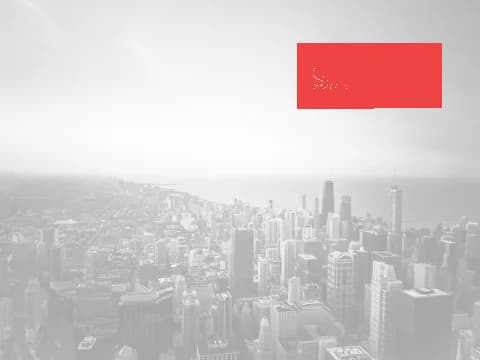
Red shows the pixels that changed between the two pictures.
- Runs in your browser. Nothing is uploaded
- See changed pixels highlighted in red
- Free, no account needed
Real example · Image comparison

Analysing…
Pixels changed —
Photo: Kevin Young / Unsplash
Real examples
Spot what changed
Drag the slider across the original photo and a copy with a sticker added. The comparison marks every changed pixel in red.

Photo: Kevin Young / Unsplash
DifferencesEdited in one spot
Pixels changed 5.48%
Two ways to compare photos
Photo comparison works on two levels, and you get both.
Visual similarity
A vision model turns each picture into a fingerprint of what it shows, then measures how close the two are. This still works when a copy is resized, compressed or slightly cropped.
Pixel differences (image diff)
When both pictures have the same shape, we line them up and mark every pixel that changed in red. Great for spotting edits, removed objects or added text.
When to compare two images
Find duplicates
Check if two files are the same photo before you delete one.
Spot edits
See what was changed, added or removed between an original and an edited copy.
Check listings
See if a product or rental photo is the same as one from another listing.
Prove a photo is yours
Compare your original with a copy you found online.
Questions people ask
How do I compare two pictures?
Add a picture to each box by dropping, choosing or pasting it. The comparison starts by itself and shows how similar the pictures are, plus the changed pixels in red when both have the same shape.
Are my pictures uploaded?
No. The comparison runs entirely in your browser, so your pictures never leave your device.
What does the similarity percentage mean?
It's how close the two pictures look to a vision model. 85% or more usually means the same photo, even if resized or compressed. 65% to 84% means similar subject or style. Below that, they show different things.
Can it find the differences between two images?
Yes. When both pictures have the same shape, the Differences view lines them up and marks every changed pixel in red, so you can spot edits, removed objects or added text.
Does it work with cropped or resized copies?
Visual similarity still works on resized, compressed or slightly cropped copies. The pixel-by-pixel view needs both pictures to have the same shape, so it's skipped for heavily cropped copies.