⚡ Key Takeaways
- Save Space: Find and delete near-duplicate bursts.
- Curate: Pick the best shot from similar angles.
- Automate: Use Smart Compare to sort thousands of photos.
The Problem
You have 10,000 vacation photos. Most are nearly identical shots from different angles. Finding and organizing them manually would take hours.
The Solution: Smart Compare
Our Smart Compare tool uses advanced computer vision to instantly find similar images across your library.
How It Works
- Upload two images or your entire photo folder
- AI analyzes visual features (colors, objects, composition)
- Get similarity score and detailed comparison
Use Cases
Photography: Find the best shot from burst mode sequences.
Quality Control: Compare before/after versions of edited photos.
Copyright: Check if images are stolen variations of your work.
E-commerce: Find competing product images.
Design: Compare design iterations and mockups.
Similarity Scores
- 85-100%: Duplicates (same image, minor variations)
- 65-84%: Similar (same subject, different angle/lighting)
- Below 65%: Different (distinct images)
Example Workflow
- Shoot 100 photos at your event
- Upload them in batches to Smart Compare
- Identify and remove near-duplicates
- Keep only the best shots
- Save 80% of storage space
Advanced Features
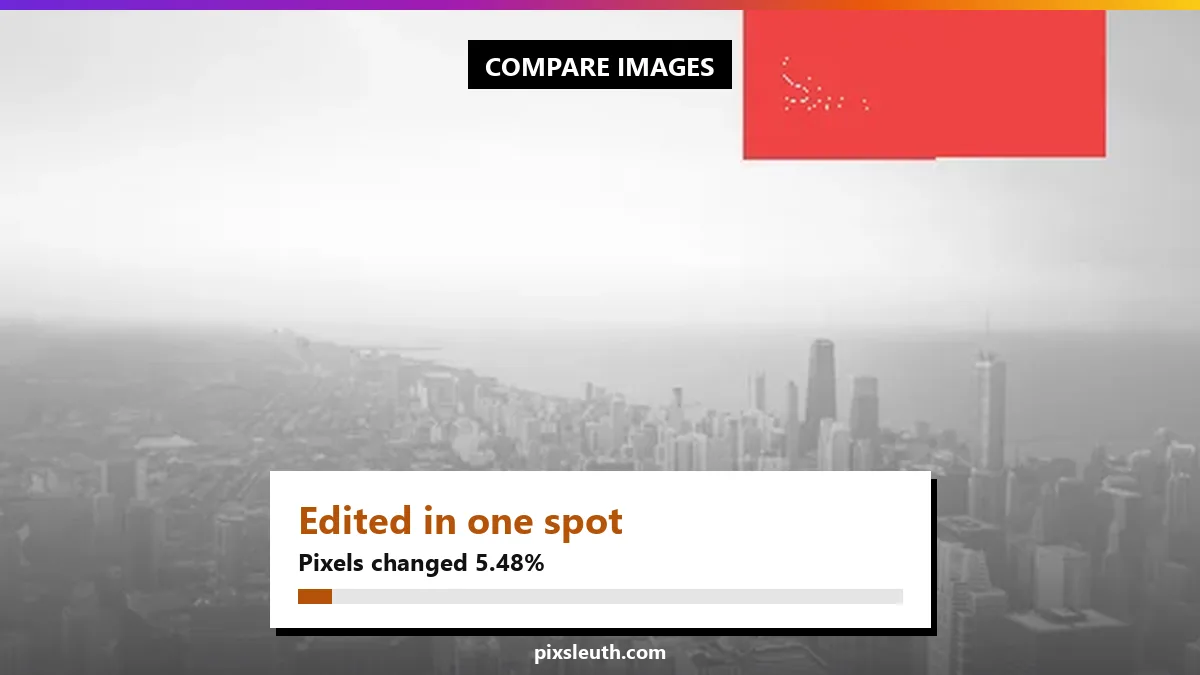
- Pixel differences: See exactly which pixels changed, highlighted in red
- Private: The comparison runs in your browser, so nothing is uploaded
- Two scores: Visual similarity plus the share of pixels that changed
Get Started
Try Smart Compare free today. No signup required!
Ready to Find Duplicate Photos?
Try PixSleuth now - the free, privacy-first reverse image search tool. No registration required, works on all devices, and finds duplicates in seconds.
Try PixSleuth Free